What is MaiYome?
MaiYome is "JUST A LOCAL BASED BOORU GALLERY DESKTOP APPLICATION".
Mai is the japanization of the word "My" in english and "Yome" means wife in Japanese, and then combining it become "MaiYome", or something like MaiWaifu / My Waifu
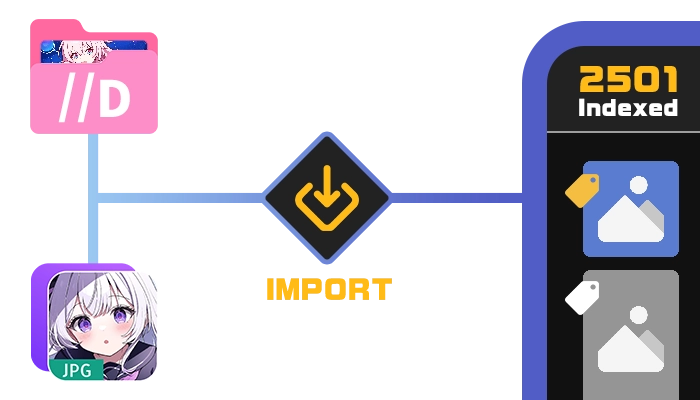
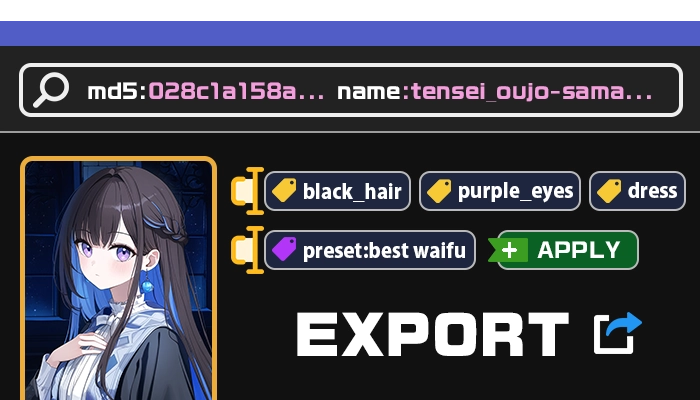
So, basically it's a DAM or Digital Asset Management-like software to manage all of your waifu images collection which focuses on Tag Management just like a booru site but it's locally saved. The UI is very simple, a filter tag, and tag editor to remove or add to your image, also an exporter directly to the image file ( which will change the MD5 ) or just export to .json file.